How to format labs
The formatting for the labs should be done in markdown. This will then be automatically be converted to the site. For some basic information about markdown, see https://imfing.github.io/hextra/docs/guide/markdown/
LaTeX
Formulas can be formatted with LaTeX commands by place the math between dollar signs: . Place the formulas between double dollar signs to put the formula on its own line:
How this looks in Markdown text
## LaTeX

Formulas can be formatted with LaTeX commands by place the math between dollar signs: $a + b = c = 5M$_\odot$.
Place the formulas between double dollar signs to put the formula on its own line:

$$ \sum_{i=1}^n i = \frac{n(n+1)}{2}  $$
Code blocks
You can place code blocks between triple backticks. Put the language after the first set of the triple backticks to have syntax highlighting.
module run_star_extras

use star_lib
use star_def
use const_def
use math_lib

implicit none

! these routines are called by the standard run_star check_model
contains

include 'standard_run_star_extras.inc'

end module run_star_extras
How this looks in Markdown text
You may need to remove some spaces at the beginning of this one.

    ```fortran
    module run_star_extras

    use star_lib
    use star_def
    use const_def
    use math_lib

    implicit none

    ! these routines are called by the standard run_star check_model
    contains

    include 'standard_run_star_extras.inc'

    end module run_star_extras
    ```
Hints
If you want to place hints in your labs, you can make them hidden by default. Use the following code snippet to
This is a hint. Click on it to reveal it.
This will be hidden until you can see it.
- You can also use markdown formatting in here
- Like a list!
How this looks in Markdown text
{{< details title="This is a hint. Click on it to reveal it." closed="true" >}}

This will be hidden until you can see it.

- You can also use markdown formatting in here
- Like a list!

{{< /details >}}
Images
In order to embed images in the web page, place them in the folder content/the_day_of_your_lab. You can then include it as follows:
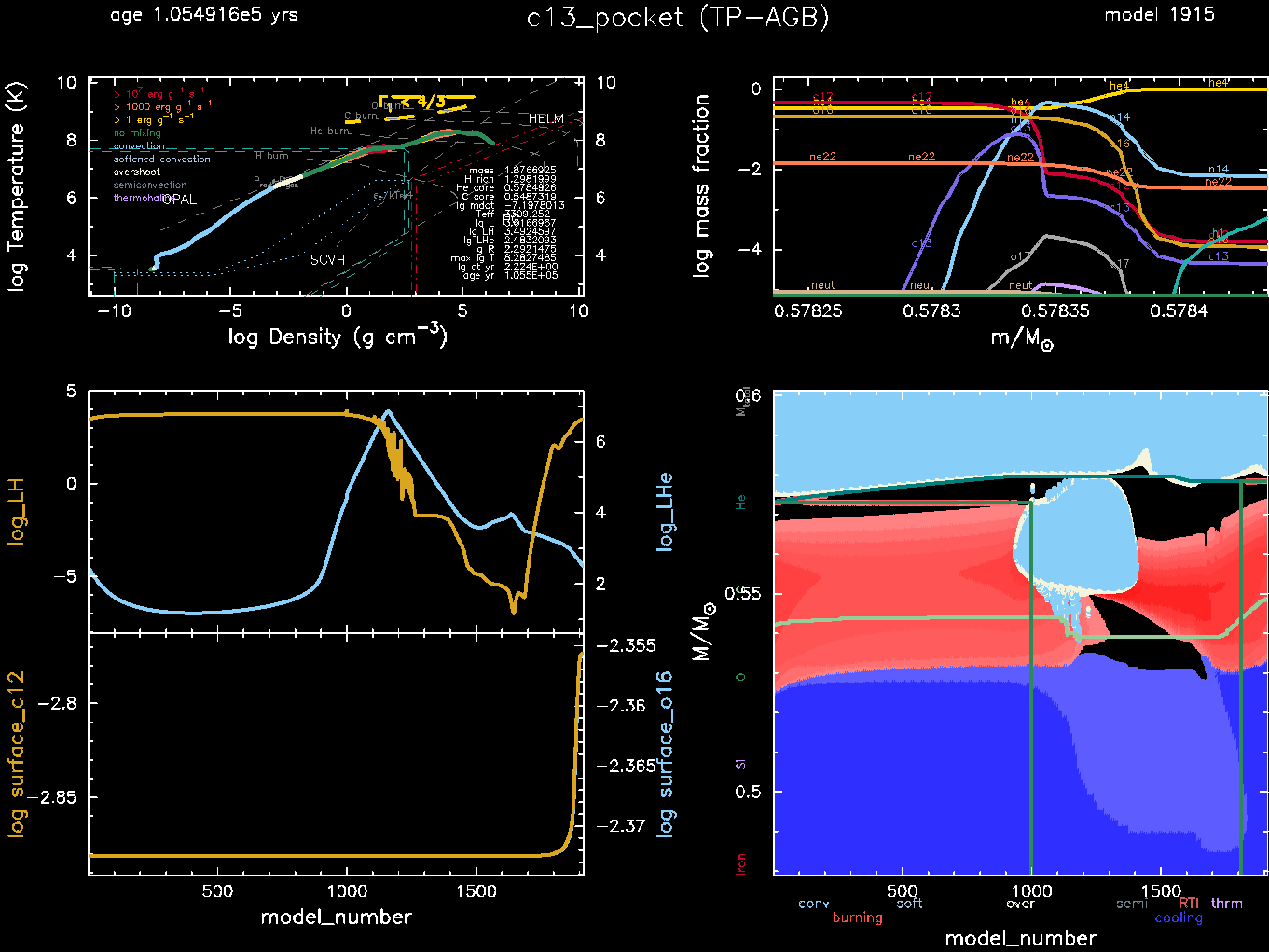
How this looks in Markdown text
Boxes
Note
Useful information that users should know, even when skimming content.
Tip
Helpful advice for doing things better or more easily.
Important
Key information users need to know to achieve their goal.
Warning
Urgent info that needs immediate user attention to avoid problems.
Caution
Advises about risks or negative outcomes of certain actions.
How this looks in Markdown text
> [!NOTE]
> Useful information that users should know, even when skimming content.

> [!TIP]
> Helpful advice for doing things better or more easily.

> [!IMPORTANT]
> Key information users need to know to achieve their goal.

> [!WARNING]
> Urgent info that needs immediate user attention to avoid problems.

> [!CAUTION]
> Advises about risks or negative outcomes of certain actions.